



WELOCK Black Friday 2026: Prices, Codes & Buying Guide
WELOCK’s Black Friday 2026 offers start at €109, with savings of up to €70 on individual smart locks. The prices below require a checkout code, which you enter when paying.
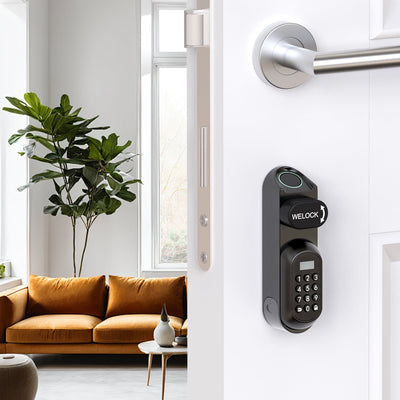
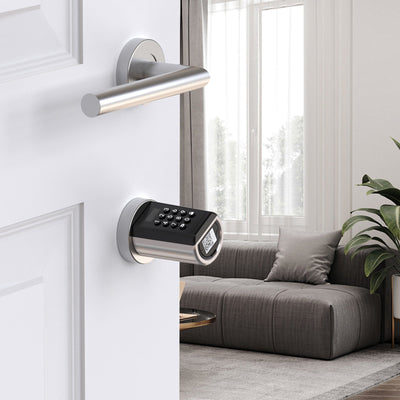
For a household that wants fingerprint and PIN entry, ToucA51 covers those needs at €109. If guests need to arrive while you are out, Touca51 Pro offers temporary passcodes at €149. U71 is also €149 and suits people who want everyday keyless entry while keeping a mechanical key. U81 combines temporary guest codes and a physical backup at €179.
Start with the problem you want to solve: sharing keys, letting visitors in or keeping a familiar backup. Then check that the chosen cylinder fits your door. A larger discount is useful only when the lock does what your household needs.
Black Friday prices and checkout codes
Prices checked on 23 November 2026.
Touch41 and U81 share the largest cash saving in this table at €70. Touch41’s reduction from €189 to €119 is approximately 37%.
See the WELOCK Black Friday offers for current availability and promotion terms.
Which setup would make your day easier?
“We keep passing keys between family members”
When someone regularly borrows the spare key, several access methods can make household arrangements easier.
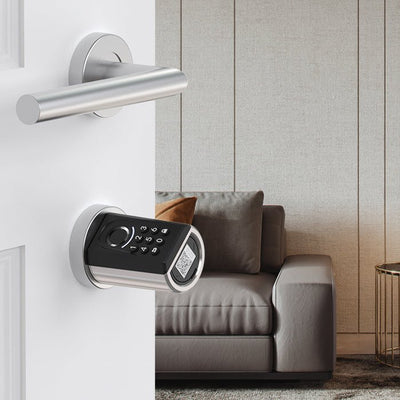
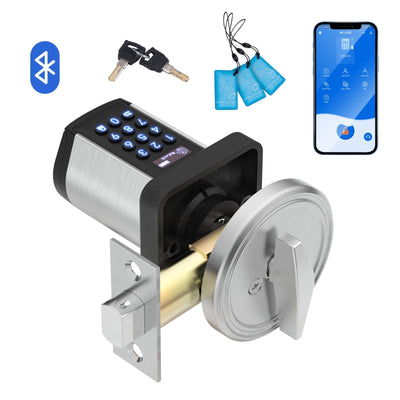
ToucA51 at €109 with code VD60 supports fingerprint, PIN, Smart Card (RFID) and nearby WELOCK App access. One person can use a fingerprint while another enters a PIN or presents a card. Family members can choose the method they find comfortable.
PCB51 is also €109 with code VD60. It offers keypad, Smart Card and nearby app access without a fingerprint reader. It suits a household where people prefer codes and cards.
Touch41 at €119 with code VD70 provides fingerprint, Smart Card and nearby app access without a keypad. Choose it if you prefer that keypad-free design. ToucA51 already includes fingerprint access for €10 less, so there is no need to spend more simply to get a fingerprint reader.
ToucA51 does not support temporary passcodes. Neither ToucA51 nor Touch41 includes a mechanical backup key.
“Guests sometimes arrive before I get home”
A temporary passcode lets a visitor enter without waiting for you to hand over a key.
Touca51 Pro at €149 with code VD50 supports temporary passcodes for guests, cleaners and short-stay visitors. Arrange a valid code before their arrival, and they can enter without downloading the WELOCK App or collecting a physical key.
This makes it worth considering for a holiday rental or a home with regular visitors. Its emergency backup uses USB-C power rather than a mechanical key.
U71 and ToucA51 do not support temporary passcodes. A permanent household PIN should not be treated as the same feature.
“I want keyless entry, but I still want a normal key”
Both U71 and U81 let you use a fingerprint or PIN for everyday entry while keeping a mechanical key as an alternative. Someone in the household who prefers a physical key can continue using one.
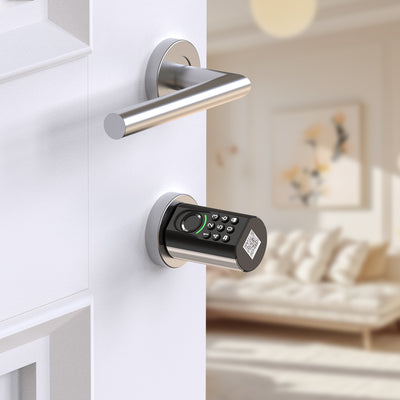
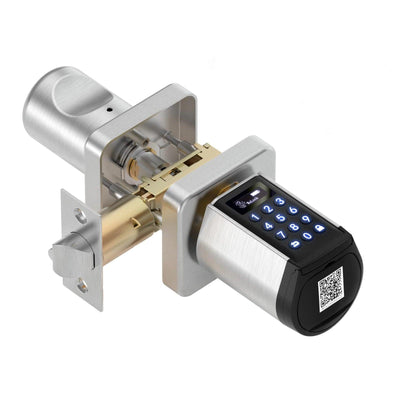
U71 at €149 with code VD50 combines fingerprint, PIN, Smart Card and nearby app access with a mechanical backup key. It suits a household with regular users who do not need temporary guest codes. Its removable exterior knob also helps the cylinder pass through the opening during installation on compatible doors.
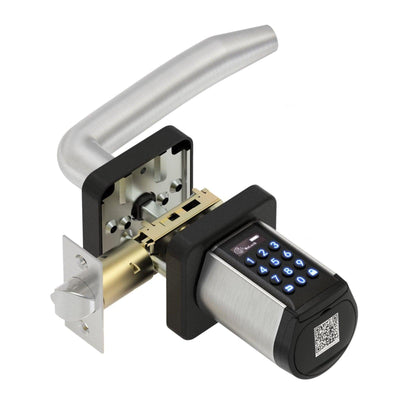
U81 at €179 with code VD70 provides those everyday access methods and mechanical key backup, plus temporary passcodes. If you also need to let in guests, cleaners or visiting family without handing over your spare key, U81 covers both needs in one lock.
The choice comes down to visitor access: U71 covers everyday household entry with a physical backup, while U81 adds temporary codes for people who only need access occasionally.
Keep a backup key somewhere secure and accessible outside the locked property. A key stored inside cannot help if you are locked out.
“We need access for family, visitors and someone who prefers a key”
A home may need everyday entry for the family, temporary access for a cleaner and a physical backup.
U81 at €179 with code VD70 brings these options together. Household members can use fingerprint, PIN, Smart Card or nearby app access. Temporary passcodes cover visitors, while the mechanical key provides a separate backup.
U81 costs €30 more than Touca51 Pro during this sale. Consider that difference when you want temporary guest codes and a mechanical key in the same lock.
For everyday household access with a physical key, U71 may already cover your needs at €149. The WELOCK comparison page lets you compare the wider range.
“I need to open the door for someone while I’m away”
An unexpected visit may leave you needing to open the door when no passcode has been arranged.
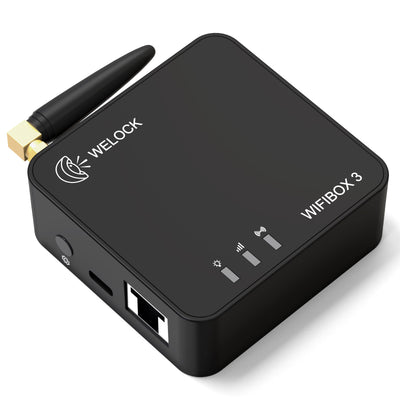
For supported remote unlocking, add WiFiBox3, listed separately at €99, or choose a bundle that includes it. A compatible lock and an online gateway let you unlock remotely through the WELOCK App.
Nearby Bluetooth app access requires you to be close to the lock. WiFiBox3 provides the connection needed when you are elsewhere.
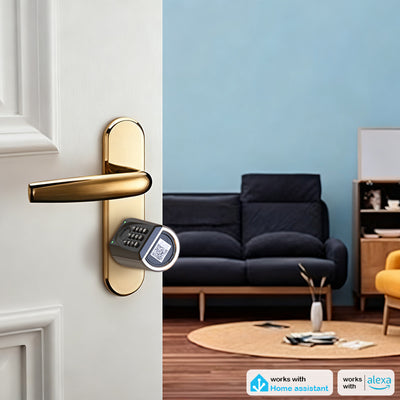
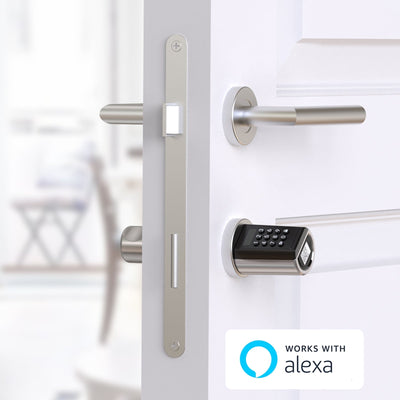
It is also required for supported Alexa and Home Assistant integration. The setup instructions specify a 2.4 GHz Wi-Fi network and placement within 10 metres of the lock. See the WiFi bridge and gateway guide for details.
For regular planned visits, temporary passcodes on a compatible model can reduce the need for you to open the door each time.
Is a WiFiBox3 bundle worth buying?
These bundles include the gateway:
| Bundle | Included products | Price with code | Checkout code |
|---|---|---|---|
| WELOCK Apartment Set | PCB41 keypad lock + WiFiBox3 | €189 | VD50 |
| WELOCK Home Set | Touch41 + WiFiBox3 | €209 | VD50 |
| WELOCK U81 Set | U81 + WiFiBox3 | €278 | VD70 |
The Home Set saves €9 compared with Touch41 at €119 plus WiFiBox3 at €99.
The U81 Set costs the same €278 as U81 at €179 plus WiFiBox3 at €99. It lets you select both together, without an additional bundle saving at these prices.
If you only want to unlock at the door, you may not need a gateway. Your model’s local access methods work without Wi-Fi.
Make sure the lock fits your door
The models in this guide replace a compatible euro-profile cylinder. The separate handle and the mechanism inside the door usually stay in place.
Before ordering, check:
- Cylinder profile: Confirm that the existing cylinder is euro-profile.
- Exterior and interior lengths: Open the door and measure from the centre of the cylinder fixing screw to the exterior and interior faces of the door fittings.
- Backset and clearance: Check the distance from the door edge to the cylinder centre and the space around the knob, handle and frame.
Door thickness alone does not confirm compatibility.
U71’s product page specifies an exterior cylinder length of at least 40 mm, alongside its supported fitting range. U81 supports compatible euro-profile doors with a minimum backset of 25 mm. Both still need to match the remaining measurements.
If you lift the handle to engage a multipoint lock, expect to keep doing that after replacing the cylinder.
Use the cylinder measurement guide, compatibility checker or European door compatibility guide. If anything is unclear, send photos of the door and cylinder to [email protected].
Buying for a parent, partner or friend? Confirm their door and preferred access methods first. The Christmas gift guide covers what to discuss before ordering.
Questions before checkout
1. How do I get the price in the table?
Add the exact model or bundle to your cart and enter its matching checkout code. Confirm that the discount has been applied before paying.
2. Can I combine codes for different models?
Discount codes cannot be combined. If your cart contains different models or bundles, check which items the selected code covers. One code may not produce every price shown in the table.
3. Will the lock work if my Wi-Fi stops working?
The local access methods supported by your model remain available. Internet-dependent remote functions require an online WiFiBox3.
4. What happens if the batteries run out?
U81 and U71 include mechanical backup keys.
Models with USB emergency access use an external power source for temporary power. Some require the WELOCK App in USB emergency mode, so connecting a power bank does not necessarily restore fingerprint or PIN access. Follow the procedure for your model. The USB port does not recharge the batteries.
Before you place your order
Choose a lock that covers the way people use your door: everyday household entry, temporary visitor access, a physical backup or remote unlocking.
Once you have confirmed the fit, apply the matching checkout code and review the shipping, warranty and return policies for your order.


Leave a comment